You’re packing lunches, answering a school WhatsApp, and trying to remember what the pediatrician said about that dosage change - and the details are already slipping. That’s the real reason an AI voice recorder with transcription is getting popular with busy households: it turns “I’ll remember later” into clean notes you can actually use.
But the category is noisy. Some devices sound great in ads and then produce a transcript that reads like a guessing game. Others nail accuracy but create new headaches with privacy, file sharing, or subscriptions.
This practical guide is how we’d vet one for real family life - the kind where the background noise is constant and your hands are never free.
What an AI voice recorder with transcription actually does
A standard voice recorder captures audio. An AI voice recorder adds speech-to-text so you also get a written transcript. The best ones don’t just dump a wall of text - they identify speakers, punctuate, time-stamp, and sometimes summarize key points.
For parents and caregivers, the win is not “cool tech.” It’s speed. You record a teacher conference, a doctor visit, your own quick to-do brain dump, or a meeting at work - then search the transcript later for the one line you need.
If you’ve ever scrolled through a 28-minute audio file to find “the new pickup time,” you already understand the value.
Where this helps most in everyday family life
Transcription pays off in the moments that are high-stakes, high-noise, and easy to forget.
At appointments, it captures instructions exactly as said, including brand names of meds, follow-up dates, and “avoid this food for two weeks” details. At school, it helps you document what the teacher actually recommended, not what you think you heard after a long day.
It’s also underrated for household planning. Record a two-minute voice note while driving: grocery items, birthday party checklist, what to ask the dentist, which replacement heads you need, and the one thing you must not forget at Carrefour. When it transcribes automatically, you can copy it straight into your notes.
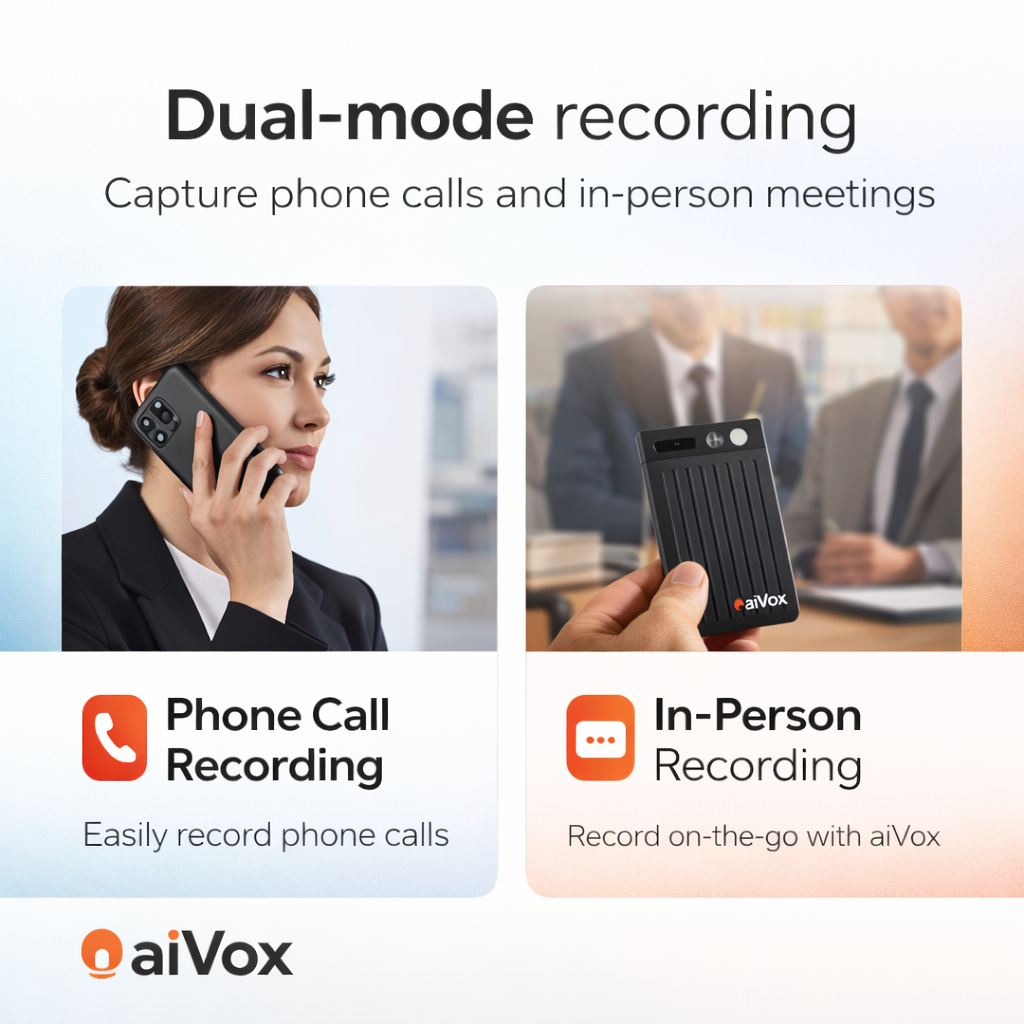
And for working parents, it can double as a meeting recorder so action items don’t vanish between calls.
The non-negotiables: what to check before you buy
There’s no single “best” device for everyone. It depends on where you’ll use it, who will use it, and how sensitive the recordings are. These are the checks that separate a helper from a regret.
Accuracy in real noise, not demo conditions
A quiet room is easy. Real life is not. If you plan to record in the car, at a clinic waiting area, in a classroom hallway, or at home with kids in the background, you want strong noise handling.
Look for clear microphone pickup and a track record of handling accents. In the UAE, that often means conversations that switch between English and Arabic, plus different global accents. Some recorders claim multilingual support but struggle when people speak quickly or code-switch mid-sentence.
If transcription accuracy drops, you’ll waste time fixing the text - which defeats the point.
Speed: when do you actually get the transcript?
Some devices transcribe on-device, some use an app, and some upload to the cloud for processing. Cloud transcription can be more accurate, but it can also mean delays if your connection is weak or if the service is throttled.
For most families, the best experience is “record now, transcript ready quickly,” with the option to refine later. If you only get the transcript hours later, it’s less useful for urgent follow-ups like pharmacy runs or school forms.
Privacy and control over your files
Recordings can include children’s information, medical details, or work topics. So privacy is not a bonus feature - it’s the whole decision.
Check where files are stored and who can access them. If transcription runs through a cloud service, read the basics of how data is handled. Some products keep audio local unless you choose to upload. Others upload by default.
Also check whether you can delete recordings permanently, not just “remove from the app view.” For families, the cleanest setup is one where you can store locally, share only when needed, and wipe easily.
Battery life that matches your day
A recorder that dies halfway through a long appointment or a training session is worse than not having one. Battery life varies a lot, and the marketing number is often measured with ideal settings.
If you’re using transcription features heavily, battery can drop faster. If you travel between Dubai and Abu Dhabi often, or you record multiple short clips all day, prioritize stable battery and easy charging (USB-C makes life simpler).
Storage and file organization that doesn’t create clutter
You want a recorder that makes files easy to find. Date labels, folders, and search are not “nice to have” when you’re juggling a family calendar.
Transcripts should be searchable. Audio should be named logically or easy to rename. If every file is called “Recording_001,” you’ll stop using it.
Export and sharing: can you use the notes anywhere?
The best workflow is: record, transcribe, then share or copy the text to where you already live - Notes, email, or a family planning doc.
Check export formats. Plain text is often enough. PDF can be helpful for sharing with a spouse, caregiver, or tutor. Some tools also let you export with timestamps, which is useful if you need to confirm exactly what was said.
Subscription vs one-time value
Some AI recorders come with a subscription for transcription minutes. Others include a certain amount and charge after. A few aim for a one-time purchase with optional upgrades.
There’s no right answer, but be honest about usage. If you only record occasional appointments, you may not want a monthly bill. If you record work meetings daily, a subscription can make sense if accuracy and features truly save you time.
Smart features that matter (and the ones that don’t)
A few features can genuinely change your day.
Speaker labels are useful when you’re recording a discussion between you and a doctor, you and a teacher, or a work meeting. A summary feature can be helpful, but only if you can still see the original transcript - summaries sometimes miss the one detail you needed.
Keyword search is huge. That’s the difference between “I think she said 5 ml” and instantly finding the line.
On the other hand, don’t overpay for flashy extras you won’t use. A dozen recording modes, social sharing gimmicks, or complicated editing tools usually add complexity. For family use, simple wins.
Real-world use tips (so it actually saves time)
If you want transcription you can trust, placement matters. Put the recorder closer to the main speaker, not buried in a bag. If you’re in a clinic, set it on the desk with permission. If you’re in the car, keep it stable and away from AC vents.
Start each recording with a quick “label sentence” like: “Dr. Ahmed, Feb 6, follow-up plan for allergies.” That first line makes the transcript easier to search later.
And if the conversation is sensitive, ask before you record. In many settings, it’s simply respectful. In some situations, it’s required.
Choosing the right one for your household: a simple way to decide
If your priority is medical and school notes, optimize for clarity, privacy controls, and quick export. If it’s mostly work meetings, look harder at speaker labels, long battery life, and consistent transcription speed.
If multiple family members will use it, keep the workflow simple. The best device is the one you’ll actually grab when you’re rushing out the door.
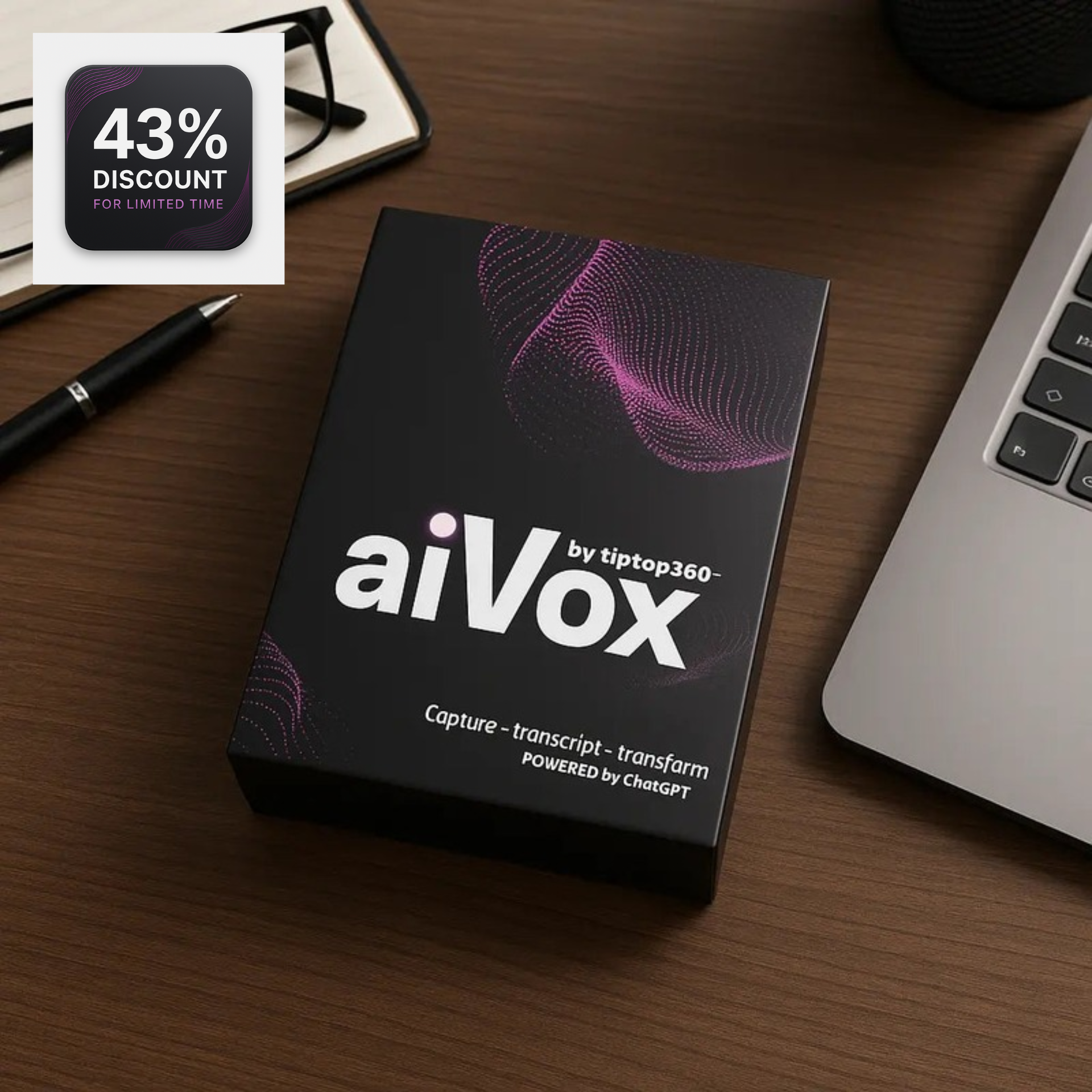
That’s also why we’re picky about “smart finds” in the first place. When we add a tool like this to a curated catalog, it’s because it solves a repeat problem and doesn’t create new friction. If you want a tested option built for quick capture and GPT-4-powered transcription, you can see what we carry at TipTop360.
The trade-offs to be honest about
AI transcription is impressive, but it’s not magic. Names, medications, and uncommon words can still be misheard. You should treat transcripts like a fast draft, not a legal record, especially for health decisions.
Also, the more “AI-powered” a product is, the more you should ask where processing happens and how data is handled. Convenience is great, but not at the cost of control.
Finally, consider the social side. Recording can make some people uncomfortable. The best approach is transparent and practical: explain it’s for accuracy, not surveillance.
A helpful closing thought
If you’re choosing an AI voice recorder with transcription, don’t shop by feature count. Shop by the moment you most need it to perform - the noisy teacher hallway, the rushed doctor visit, the car ride where your brain finally remembers everything. Pick the device that makes those moments calmer, clearer, and easier to act on later.